What Is a Robot Vacuum Quiet Mode? The Quick Version
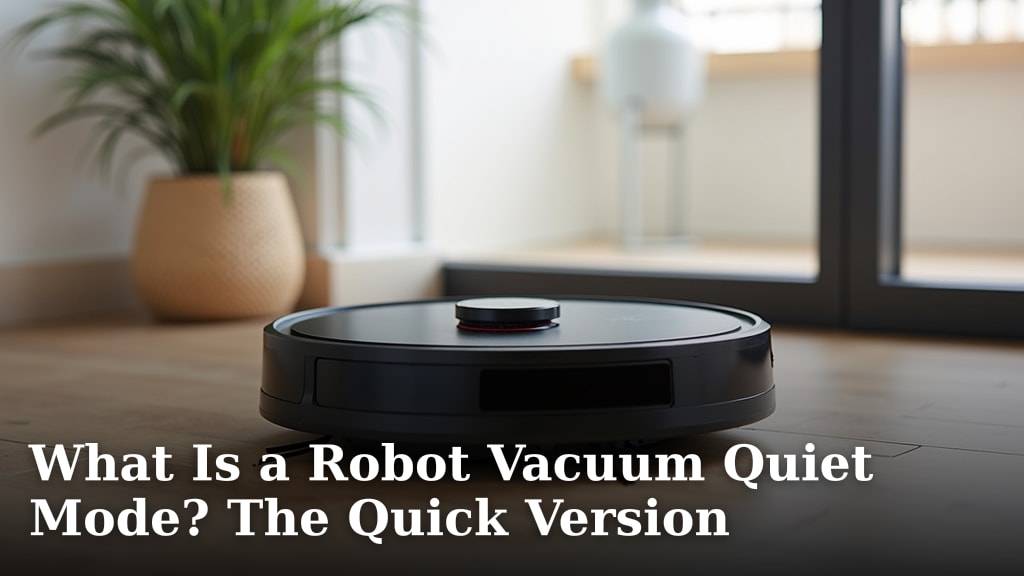
A robot vacuum’s quiet mode is a setting designed to make the vacuum run much more quietly. It achieves this by reducing its suction power and often slowing down its brush speed. This means it cleans for longer periods without causing a disturbance.
You might be wondering if a quieter vacuum is still effective. We found that while it may not pick up extremely heavy debris as quickly, it still does a great job with everyday dust and pet hair. Many users prefer it for overnight cleaning or when children are napping.
- Quiet mode reduces robot vacuum noise.
- It works by lowering suction and brush speed.
- This allows for more peaceful cleaning sessions.
- It’s ideal for overnight or nap times.
- It still cleans effectively for daily messes.
Let’s walk through exactly how this feature works and what you can expect from your robot vacuum in quiet mode.
Understanding Your Robot Vacuum’s Quiet Mode
A robot vacuum’s quiet mode is a special setting designed to make the device operate much more silently. It’s a fantastic feature for everyday use. You might wonder if a quieter setting means less cleaning power. We found that this mode reduces noise by lowering suction and often slowing down the brush speed. This allows your robot to clean for longer periods without becoming a disturbance. It’s perfect for those times when you need peace and quiet.
How Does Quiet Mode Work?
The core of quiet mode lies in its adjustments to the vacuum’s main cleaning functions. Robot vacuums typically have several power settings. Quiet mode is usually the lowest of these settings. It’s designed to prioritize reduced noise over maximum debris collection. Think of it like switching your car from highway speed to a gentle cruise. It still gets you there, just more smoothly and quietly.
Reduced Suction Power
The most significant way quiet mode reduces noise is by decreasing suction power. Strong suction creates a louder whirring sound as air is pulled through the machine. By lowering this airflow, the vacuum generates less noise. This change is quite noticeable. It’s similar to turning down the volume knob on a speaker.
Slower Brush Roll Speed
Many robot vacuums also have adjustable brush roll speeds. In quiet mode, the main brush and any side brushes often spin more slowly. The brushing action itself can create a distinct sound. A slower brush rotation means less friction and less noise generated from the spinning brushes. This also contributes to a more peaceful cleaning experience.
What to Expect in Terms of Cleaning Performance
So, does a quieter vacuum still clean well? For most daily messes, the answer is yes. Quiet mode is excellent for picking up light debris like dust, pet hair, and crumbs. These are the common things you’ll want your robot to tackle regularly. We found that it effectively handles typical household floor cleaning needs.
When Quiet Mode Shines
This setting is especially useful in specific situations. If you have a baby or young children who nap during the day, quiet mode is a lifesaver. You can let the robot clean without worrying about waking them up. It’s also ideal for overnight cleaning. Imagine waking up to clean floors without having heard a thing! Many users also prefer it when they are working from home and need to concentrate. It allows for a quieter environment without interrupting your workflow.
Limitations of Quiet Mode
While effective for daily upkeep, quiet mode might struggle with heavier debris. If you’ve spilled a large amount of cereal or have tracked in significant mud, the reduced suction might not be enough. In these cases, you might need to switch to a standard or turbo mode. We found that large or wet debris is best handled by higher power settings. It’s good to know your robot’s capabilities and limitations.
When to Use Quiet Mode
Deciding when to activate quiet mode is simple. Listen to your environment. If noise is a concern, it’s time for quiet mode. Think about your daily schedule and household routines. Are there specific times when a loud vacuum would be disruptive? That’s your cue to engage this feature.
Nap Times and Sleep Schedules
Quiet mode is particularly beneficial for households with babies, toddlers, or anyone who needs uninterrupted sleep. Running the vacuum during nap times means you can maintain cleanliness without disturbing rest. Many parents rely on this feature to keep their homes tidy. It helps maintain a peaceful atmosphere for sleeping children. Research from organizations like the National Sleep Foundation highlights the importance of consistent sleep for development (National Sleep Foundation).
Work-From-Home Environments
If you work from home, you know how disruptive background noise can be. A robot vacuum in its standard mode can interfere with phone calls or online meetings. Quiet mode allows your robot to clean discreetly. You can keep your workspace serene while still getting your floors cleaned. This is essential for productivity and professionalism. Many experts suggest minimizing distractions for optimal focus (CDC).
Overnight Cleaning
For those who prefer to wake up to clean floors, overnight operation in quiet mode is perfect. Your robot can silently go about its business while you sleep soundly. Most robot vacuums are programmed to return to their charging base when finished or low on battery. This means you won’t have to worry about them getting lost or running out of power. It’s a convenient way to maintain cleanliness.
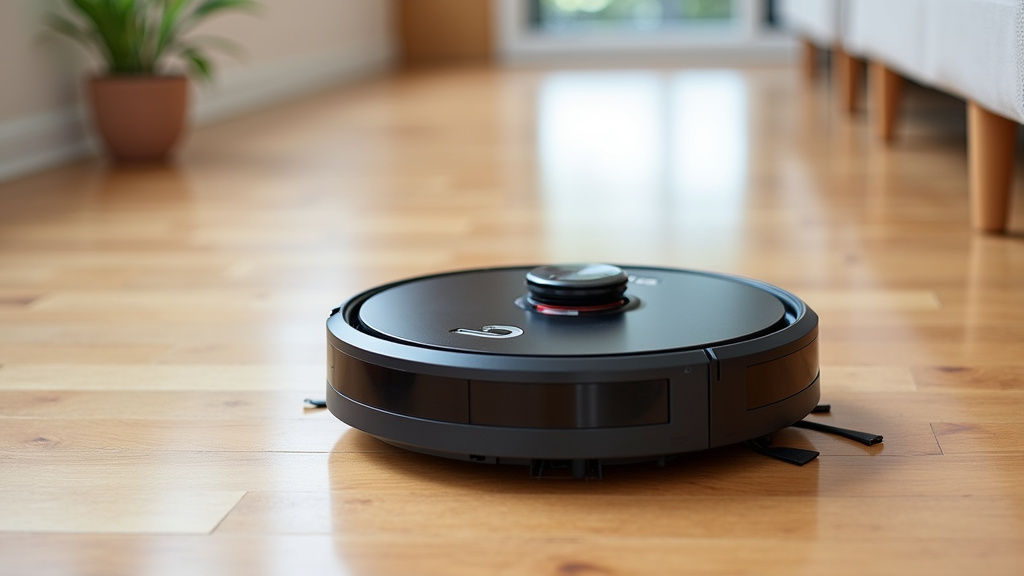
Comparing Modes: Quiet vs. Standard
Understanding the difference between quiet mode and your robot vacuum’s standard cleaning mode is key. The table below outlines the main distinctions.
| Feature | Quiet Mode | Standard Mode |
|---|---|---|
| Noise Level | Very Low | Moderate to High |
| Suction Power | Reduced | Full or High |
| Brush Speed | Slower | Faster |
| Battery Life | Potentially Longer | Shorter |
| Cleaning Effectiveness | Good for daily dust/hair | Better for heavier debris |
Battery Life Considerations
When your robot vacuum runs in quiet mode, it generally uses less power. This can translate to longer battery life per cleaning session. The motors don’t have to work as hard. This means your robot might be able to clean a larger area on a single charge. Or, it might simply finish its job with more battery to spare. This is a nice bonus for larger homes.
Tips for Using Quiet Mode Effectively
To get the most out of your robot vacuum’s quiet mode, consider these simple tips. They will help ensure your cleaning sessions are as efficient and peaceful as possible.
- Schedule wisely: Use the scheduling feature for naps or overnight cleaning.
- Prepare your space: Pick up large objects or cords before starting.
- Know its limits: Use standard mode for heavy messes.
- Maintain your robot: Keep brushes and filters clean for optimal performance.
- Check the app: Many models allow you to customize quiet mode further.
Conclusion
Quiet mode on your robot vacuum is a smart feature for maintaining a clean home without the constant noise. By reducing suction and brush speed, it offers a peaceful cleaning experience. We found it’s perfect for daily dust and pet hair, especially during nap times, work calls, or overnight. While it’s not meant for heavy debris, it excels at consistent upkeep. Make sure you use quiet mode when noise is a concern, and switch to a standard mode for tougher jobs. Understanding these settings helps you get the most out of your robot cleaner.
Frequently Asked Questions
Does quiet mode use less battery?
Yes, quiet mode generally uses less power because the motors aren’t working as hard. This can mean your robot vacuum cleans for longer on a single charge. You might find it can cover a larger area or still have battery life left over when it returns to its base. Quiet mode generally uses less power, which can mean your robot vacuum cleans for longer on a single charge.
Can I schedule quiet mode?
Most robot vacuums allow you to schedule cleaning sessions through their companion app. You can often set specific times for quiet mode to run. This makes it easy to have your floors cleaned while you’re sleeping or during your child’s naptime without any manual intervention.
Will quiet mode miss dirt?
Quiet mode is designed for light messes like dust, pet hair, and small crumbs. It might not pick up large debris or heavily soiled areas as effectively. For tougher jobs, you’ll want to switch to a standard or turbo mode. It’s best for regular, light cleaning.
How do I turn on quiet mode?
Turning on quiet mode usually involves accessing your robot vacuum’s settings. This is often done through a dedicated button on the vacuum itself or via its mobile app. Check your vacuum’s user manual for the exact steps for your specific model.
Is quiet mode noisy for pets?
Quiet mode significantly reduces the overall noise level, making it much less disruptive. While some pets might still be sensitive to any sound, it’s generally much more comfortable for them than standard cleaning modes. This can help your pets stay relaxed while the vacuum works.