What Is Spot Cleaning on a Robot Vacuum?
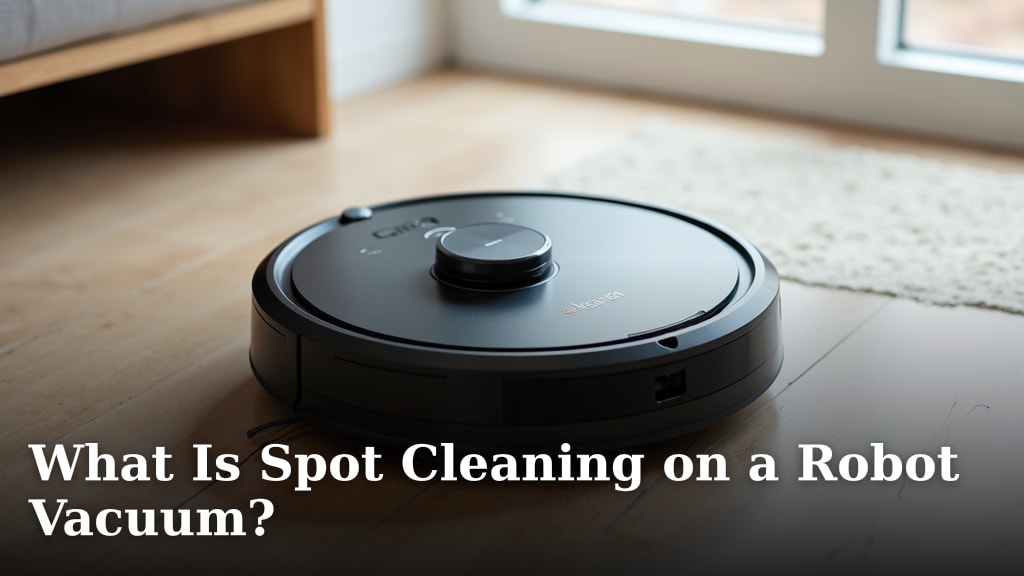
Spot cleaning on a robot vacuum is a special mode designed for tackling small messes quickly. It tells your robot to focus its cleaning efforts on a specific, targeted area. Think of it as your robot vacuum’s way of dealing with a dropped crumb or a tiny spill without cleaning the entire room.
This feature is super handy for those little accidents that happen between full cleanings. Instead of manually cleaning, you can direct your robot vacuum to the spot. It’s a smart way to keep your floors looking good with minimal fuss and helps you maintain a cleaner home day-to-day.
- Spot cleaning focuses on a small area.
- It’s for quick cleanups of minor messes.
- You tell the robot exactly where to clean.
- It saves time and effort compared to manual cleaning.
Ready to learn how to use this handy feature? Let’s walk through what spot cleaning means for your robot vacuum and how you can get the most out of it.
Understanding Your Robot Vacuum’s Spot Cleaning Mode
Spot cleaning on your robot vacuum is a dedicated function. It helps you deal with small, concentrated messes. Think of it as a precise tool for targeted cleaning. It’s different from the vacuum’s regular cleaning pattern for a whole room.
This feature is a lifesaver for everyday oopsies. You know, like when the cat knocks over a tiny bowl of cereal or you spill a few coffee grounds. Instead of getting out the broom, you can tell your robot exactly where the mess is.
The core idea is simple: focus and clean. Your robot vacuum will work within a specific, usually circular, area. It usually makes several passes over that spot to ensure it’s clean. This is much more efficient than running the whole vacuum for just a few crumbs.
How Spot Cleaning Works Under the Hood
When you activate spot cleaning, your robot vacuum changes its behavior. It’s not just randomly wandering anymore. It’s programmed to perform a specific routine for that small area.
The Cleaning Pattern
Most robot vacuums use a tight, circular pattern when in spot clean mode. They start at the center of the designated area. Then, they spiral outwards. Sometimes they might also go back and forth. This ensures they cover every inch of that small zone.
The robot will typically spend more time in this area. It might slow down its brushes or make multiple passes. This increased attention is key to tackling concentrated dirt or debris effectively. It’s designed to be more intensive than its standard cleaning.
Area of Operation
The “spot” is usually defined by you. You place the robot directly on or very near the mess. The vacuum then cleans a radius around its starting point. Research suggests this radius is often about 3 to 5 feet in diameter, depending on the model.
Some advanced models might allow you to set a specific zone through their app. You can draw a small box on a map for the robot to focus on. This gives you even more control over where it cleans.
When to Use Your Robot Vacuum’s Spot Clean Feature
Spot cleaning is perfect for those small, isolated incidents. It’s not meant for whole-room cleaning. Here are some ideal situations:
Accidental Spills and Debris
Did the dog track in a small patch of mud? Did you accidentally spill some sugar? Was there a little puff of dust from a dropped bag of flour? These are perfect scenarios for spot cleaning. The robot can come in and clean up the mess quickly.
Think of it as your “mini-cleanup” mode. It’s great for when you don’t want to wait for the next scheduled cleaning. It keeps your floors looking tidy between full cycles. Many users find it incredibly useful for high-traffic areas where small messes are common.
Pet Messes
Pets can be messy, right? Your robot vacuum’s spot clean function can be a superhero for small pet-related accidents. If your pet has a small hairball incident or a tiny bit of spilled kibble, spot clean can handle it.
Just remember, this mode is for dry messes. If you have a wet spill, you’ll likely need to clean that up manually first. Many robot vacuums aren’t designed to handle liquids.
Food Crumbs and Droppings
Kids and cooking can lead to crumbs. Maybe a few crackers fell under the kitchen table. Perhaps some toast crumbs ended up on the living room floor. Spot cleaning is your quick fix for these situations.
It’s much faster than getting out a dustpan and brush. You just set the robot down and let it do its thing. Many owners report that this feature saves them a lot of time and hassle.
Dust Bunnies and Small Debris Piles
Sometimes, you might notice a small collection of dust bunnies in a corner. Or perhaps a small pile of lint has gathered. Spot cleaning can efficiently pick these up.
It’s a great way to maintain cleanliness without needing to initiate a full room clean. You’re essentially giving your robot a specific task to complete, and it focuses all its energy there.
How to Activate Spot Cleaning on Your Robot Vacuum
The exact steps can vary slightly between brands and models. However, the general process is usually quite straightforward. We’ve found that most robot vacuums offer one of two common methods.
Using the Robot Vacuum’s Buttons
Some robot vacuums have physical buttons on the unit itself. You might need to press and hold a specific button, or press a combination of buttons. Check your vacuum’s manual to see if this option is available.
Often, there’s a button with a dot or a spray can icon. This is a common symbol for spot cleaning. Once activated, the robot will begin its targeted cleaning cycle.
Using the Mobile App
Many modern robot vacuums rely heavily on their companion mobile apps. These apps often provide more control and features. Spot cleaning is usually found within the app’s interface.
Open the app and select your robot vacuum. Look for an option labeled “Spot Clean,” “Targeted Cleaning,” or something similar. You might be able to tap a spot on the map where the mess is. Then, you’ll confirm and the robot will go to work.
Some apps allow you to adjust the size of the cleaning spot. Others might let you schedule a spot clean for a later time. The app provides a convenient and precise way to direct your robot.
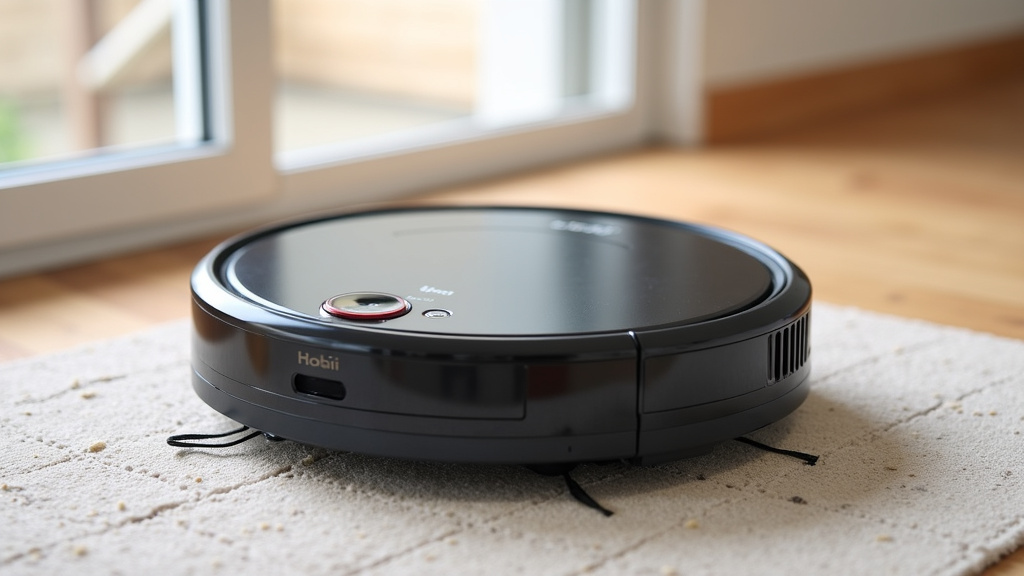
Tips for Effective Spot Cleaning
To get the best results from your robot vacuum’s spot clean mode, follow these simple tips:
- Place the robot correctly: Position the vacuum directly on or very near the mess. This ensures it starts cleaning in the right area.
- Clear large debris: If there are very large items (like a whole piece of bread), pick them up first. Spot cleaning works best on smaller particles.
- Ensure battery is charged: Make sure your robot has enough battery life to complete the spot clean. You don’t want it stopping halfway through.
- Check the dustbin: Empty the dustbin before running spot clean, especially for larger messes. A full bin can reduce suction power.
- Consider the surface: Spot cleaning is generally effective on hard floors and low-pile carpets. Performance might vary on thick carpets.
- Supervise if needed: For delicate areas or valuable items, it’s wise to supervise the robot. Ensure it’s not bumping into anything it shouldn’t.
Spot Cleaning vs. Full Cleaning: What’s the Difference?
It’s important to understand how spot cleaning differs from your robot’s standard cleaning modes. They serve distinct purposes in keeping your home clean.
| Feature | Spot Cleaning | Full Cleaning |
|---|---|---|
| Purpose | Targeted cleanup of small, localized messes. | Comprehensive cleaning of an entire room or area. |
| Area Covered | Small, defined zone (often ~3-5 ft diameter). | Entire floor area within its programmed boundaries. |
| Cleaning Pattern | Intensive, often spiral or back-and-forth, over the small spot. Makes multiple passes. | Systematic pattern (e.g., straight lines, edge cleaning) to cover the whole space. |
| Activation | Manual, often via app or button press on the robot. | Scheduled or initiated manually for a larger area. |
| Time Required | Quick, usually just a few minutes. | Longer, depending on the room size. |
| Use Case | Spilled crumbs, small mud patches, pet hair clumps. | General maintenance, weekly cleaning, post-party cleanup. |
Think of spot cleaning as a quick bandage for a small wound. Full cleaning is like a thorough medical check-up for your entire floor. Both are important for maintaining a healthy, clean home environment.
Limitations of Spot Cleaning
While incredibly useful, spot cleaning isn’t a miracle cure for every mess. It’s essential to have realistic expectations. We found that understanding these limitations helps you use the feature correctly.
Not for Large Spills or Wet Messes
As mentioned, most robot vacuums are not designed for liquids. If you spill juice, water, or any other liquid, it’s best to clean it up manually with towels first. Attempting to use spot clean on a wet mess could damage your vacuum.
Similarly, very large messes might overwhelm the robot’s ability to clean effectively in one go. For example, if an entire bag of flour spills, you’ll need to do a preliminary cleanup before engaging spot clean.
May Require Multiple Attempts
Sometimes, a stubborn mess might need more than one spot cleaning cycle. If the initial pass doesn’t get everything, you might need to run the spot clean mode again. This is especially true for sticky or deeply embedded debris.
Coverage Area is Small
The defining characteristic of spot cleaning is its limited range. If the mess has spread wider than the robot’s designated cleaning circle, it won’t get the edges. You might need to manually sweep or vacuum those areas yourself.
Surface Type Matters
Performance can vary based on your flooring. While excellent on hard surfaces like tile or hardwood, spot cleaning on thick, high-pile carpets might be less effective. The debris might get pushed around or not fully picked up by the vacuum’s brushes and suction.
Conclusion
You’ve learned that spot cleaning is your robot vacuum’s special trick for handling small, localized messes. It’s your go-to feature for quick cleanups of dropped crumbs or pet hair clumps, saving you time and effort. By understanding how it works and when to use it, you can keep your home looking tidy between full cleans. Remember to always check your manual for specific instructions on activating this handy mode on your vacuum. Now, go ahead and try it out the next time a little mess appears!
Frequently Asked Questions
Can I use spot cleaning for wet spills on my robot vacuum?
Generally, no. Most robot vacuums are designed for dry messes only. If you have a wet spill, it’s best to clean it up manually with towels first to avoid damaging your vacuum.
How do I know if my robot vacuum has a spot cleaning feature?
Look for a button on the robot itself often marked with a dot or spray can icon. You can also check your vacuum’s mobile app for a “Spot Clean” or “Targeted Cleaning” option. Your user manual is the best resource.
How large of an area does spot cleaning cover?
Spot cleaning focuses on a small area, typically about 3 to 5 feet in diameter, centered around where you place the robot. It’s meant for concentrated messes, not spreading issues.
What should I do if spot cleaning doesn’t get all the mess?
For stubborn messes, you might need to run the spot clean mode a second time. If the mess has spread beyond the robot’s cleaning radius, you may need to do a quick manual cleanup of the edges.
Is spot cleaning better than a full clean for small messes?
Yes, spot cleaning is much more efficient for small, isolated messes. It saves energy and time by only cleaning the specific area, rather than a whole room.