What Is a Mapping Robot Vacuum? A Practical Guide
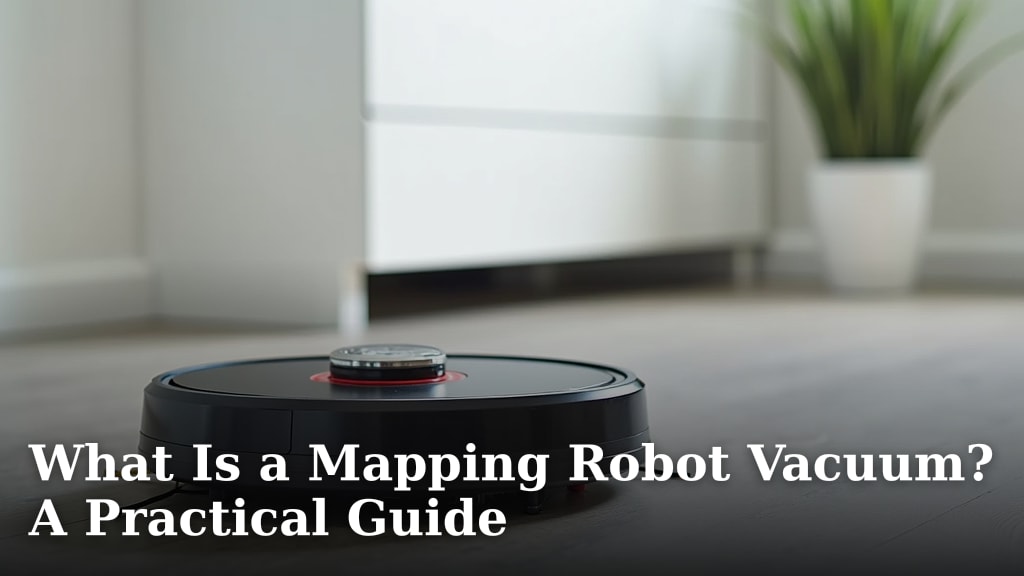
A mapping robot vacuum is a smart device that uses sensors and cameras to create a map of your home. This map helps it clean more efficiently. It can navigate around furniture and remember where it has already cleaned. This technology means you get a better clean with less hassle.
These vacuums use different types of mapping, like vSLAM or LiDAR. This allows them to understand your home’s layout. They often come with apps where you can see the map. You can set no-go zones or schedule cleanings for specific rooms. It’s like having a tiny, dedicated cleaning assistant.
- Mapping robot vacuums create a map of your home.
- They use this map to clean more efficiently.
- You can control them with smartphone apps.
- Set no-go zones and schedule cleanings easily.
Ready to learn more about how these helpful robots work? Let’s dive into the details of mapping robot vacuums.
Understanding How Robot Vacuums Map Your Home
So, what exactly makes a robot vacuum a “mapping” robot vacuum? It’s all about its ability to learn and remember your home’s layout. Instead of just bumping around randomly, these smart cleaners create a digital blueprint. This map is the key to their efficiency and advanced features. Think of it like your robot vacuum having a built-in GPS for your floors.
The Brains Behind the Operation: Sensors and Navigation
Mapping robot vacuums rely on a combination of sensors and sophisticated software. These components work together to build that internal map. They don’t just see obstacles; they understand their position relative to your furniture and walls. This allows for much more methodical cleaning patterns. It’s a significant upgrade from older models. Mapping robot vacuums rely on a combination of sensors and sophisticated software to avoid stairs.
Types of Mapping Technology
There are a few main ways robot vacuums create their maps. You’ll often see terms like LiDAR and vSLAM. These technologies have their own strengths. Understanding them can help you choose the right vacuum for your needs.
LiDAR (Light Detection and Ranging)
LiDAR sensors use lasers to measure distances. The robot spins a turret on top, emitting laser beams. These beams bounce off objects and return to the sensor. The time it takes for the beam to return helps calculate distance. This creates a very accurate, detailed map of your home’s layout. Many experts point to LiDAR as providing the most precise mapping (Cleveland Clinic).
Robots with LiDAR can often navigate in complete darkness. This is because they don’t rely on visible light. They can build a map on their very first cleaning run. This technology is often found in higher-end models. It’s excellent for homes with many rooms or complex layouts.
vSLAM (Visual Simultaneous Localization and Mapping)
vSLAM uses cameras to “see” the environment. It identifies features like corners, doors, and furniture. The robot uses these visual cues to build its map. It also tracks its own movement relative to these features. This is similar to how some smartphone navigation apps work.
vSLAM systems can be very effective. However, they may perform better with good lighting. Some older or less advanced vSLAM systems might struggle in very dark rooms. We found that newer vSLAM models have improved significantly. They can often rival LiDAR in accuracy and speed. The cameras can also sometimes be used for other features, like object recognition.
How the Map Enhances Cleaning Performance
Having a map fundamentally changes how a robot vacuum cleans. It’s not just about covering every inch. It’s about covering every inch intelligently. This leads to a more thorough and efficient clean.
Efficient Cleaning Paths
With a map, your robot vacuum can plan its route. It can move in straight lines or logical patterns. This avoids unnecessary back-and-forth movement. It’s like a seasoned delivery driver planning their route to save time and fuel.
This methodical approach means less time spent cleaning. It also ensures that areas are not missed. The robot knows where it has been. It can focus on areas that still need attention. We found that this optimization saves a lot of battery life too.
Obstacle Avoidance and Navigation
Mapping technology allows robots to go beyond simple bump-and-turn. They can recognize large furniture items. They then navigate around them precisely. This prevents them from getting stuck under sofas or hitting table legs repeatedly. Your furniture stays safer.
Some advanced models can even identify smaller objects. They might recognize pet waste, cables, or socks. This ability can prevent messy accidents. It’s a feature that many pet owners find incredibly reassuring. We found that the reliability of this feature varies by model.
Taking Control with Smart Features
The map created by your robot vacuum isn’t just for its internal use. It’s often accessible to you through a smartphone app. This puts you in control of your robot’s cleaning like never before.
The Power of the Smartphone App
Most mapping robot vacuums come with a dedicated app. You can download this on your smartphone or tablet. The app is your command center for the robot.
Here, you can view the map the robot has created. You can see your home’s layout as your robot sees it. This is often a very clear representation. You can zoom in and out. It’s usually quite user-friendly. Many experts say these apps are key to the user experience (Consumer Reports).
Customizing Cleaning Zones
One of the most popular features is room-specific cleaning. The app displays your mapped rooms. You can select specific rooms for the robot to clean. Need just the kitchen floor spotless? Tap the kitchen. Want the living room cleaned before guests arrive? Select it.
You can also set cleaning preferences for each room. Maybe the kitchen needs a more powerful suction setting. Perhaps the bedroom requires a quieter approach. The app allows you to define these settings. This level of customization is a huge benefit.
Setting No-Go Zones and Virtual Walls
Mapping robots excel at avoiding areas you don’t want them to clean. You can draw “no-go zones” directly on the app’s map. These are areas where the robot will absolutely not enter.
This is perfect for protecting delicate items, pet food bowls, or areas with lots of cables. You might have a rug that your robot tends to snag. A no-go zone around it keeps your robot and your rug safe. Virtual walls are another way to define boundaries. They are lines drawn on the map. The robot respects these lines as if they were physical barriers. A no-go zone around it keeps your robot and your rug safe, and can be managed without Wi-Fi.
Scheduling Cleanings Made Easy
With a map and room selection, scheduling becomes highly practical. You can set the robot to clean specific rooms on specific days. For example, schedule the entryway to be cleaned every morning. Set the bedrooms to be cleaned while you’re at work.
The flexibility is fantastic. You can schedule cleanings for when you’re not home. This means you come home to clean floors without any disruption. Many people find this a huge time-saver. It helps maintain a consistently clean home with minimal effort.
Comparing Mapping Technologies: A Quick Look
Choosing a mapping robot vacuum can feel overwhelming. While there are many brands, the core mapping technologies are similar. Here’s a simple comparison of the most common types.
| Feature | LiDAR | vSLAM (Camera-based) |
|---|---|---|
| Mapping Accuracy | Very High | High (can vary with lighting) |
| Performance in Dark | Excellent | Good to Fair (depends on model) |
| Object Recognition | Less common, usually add-on | More common, uses camera |
| Typical Price Point | Mid-High to High | Low-High (depends heavily on brand) |
| Speed of Mapping | Fast | Fast to Moderate |
Your Checklist for a Smart Cleaning Experience
Ready to embrace the convenience of a mapping robot vacuum? Here’s a quick checklist to ensure you’re getting the most out of yours:
- Download the App: Always get the manufacturer’s app.
- Complete the First Mapping Run: Let it map your entire home first.
- Set Up Rooms: Label and confirm your rooms in the app.
- Define No-Go Zones: Protect sensitive areas and pet supplies.
- Schedule Strategically: Plan cleanings for convenience and efficiency.
- Update Firmware: Keep your robot’s software up-to-date for best performance.
Conclusion
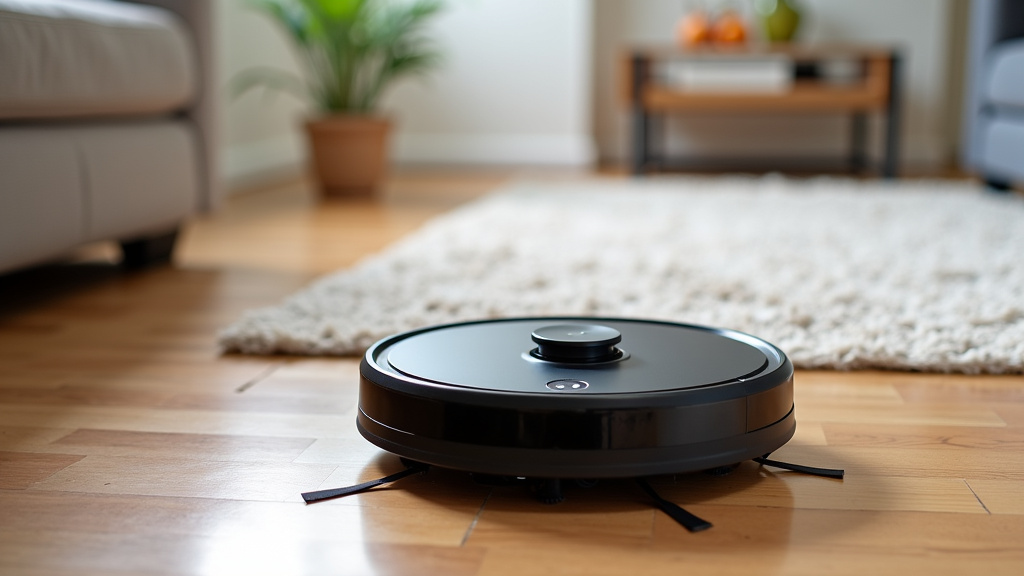
You’ve learned that a mapping robot vacuum is much more than a simple cleaner. It’s a smart device that uses advanced sensors to create a detailed map of your home. This map allows for efficient, methodical cleaning and intelligent obstacle avoidance. With its user-friendly app, you gain control to customize cleaning zones, set no-go areas, and schedule cleanings for ultimate convenience. Investing in one means you can enjoy consistently cleaner floors with minimal effort on your part. Ready to simplify your cleaning routine? Consider which mapping technology best suits your home and budget to find your perfect robotic assistant.
Frequently Asked Questions
How long does it take for a mapping robot vacuum to map my home?
The initial mapping run typically takes about 30 to 60 minutes. This depends on the size and layout of your home. Most robots can complete the mapping process during their first cleaning cycle. You can usually see the map being built in real-time within the app.
Do mapping robot vacuums work well in dark rooms?
LiDAR-based mapping robots generally perform very well in dark rooms. They use lasers to navigate and don’t rely on visible light. vSLAM (camera-based) models may have more difficulty in very low light. However, newer vSLAM technology has improved, and some can still map effectively in dim conditions.
Can I edit the map after my robot has created it?
Yes, most mapping robot vacuums allow you to edit the map via their smartphone app. You can usually divide rooms, merge them, or rename them for clarity. You can also set specific cleaning preferences or no-go zones for each room after the initial map is created.
What happens if my robot vacuum’s map gets deleted?
If the map is deleted, or if the robot is moved to a completely new environment, it will need to create a new map. This usually means performing another full mapping run. Some advanced models can store multiple maps for different floors or living arrangements. Always ensure your robot has a clear path during its mapping runs.
Are mapping robot vacuums worth the extra cost compared to non-mapping models?
For most people, the added cost is well worth it. Mapping robots offer far greater efficiency, better navigation, and smart features like room selection and no-go zones. They avoid getting stuck more often and provide a more thorough clean. You get a much more convenient and customized cleaning experience.