What Is a Robot Vacuum Remote Control? The Quick Version
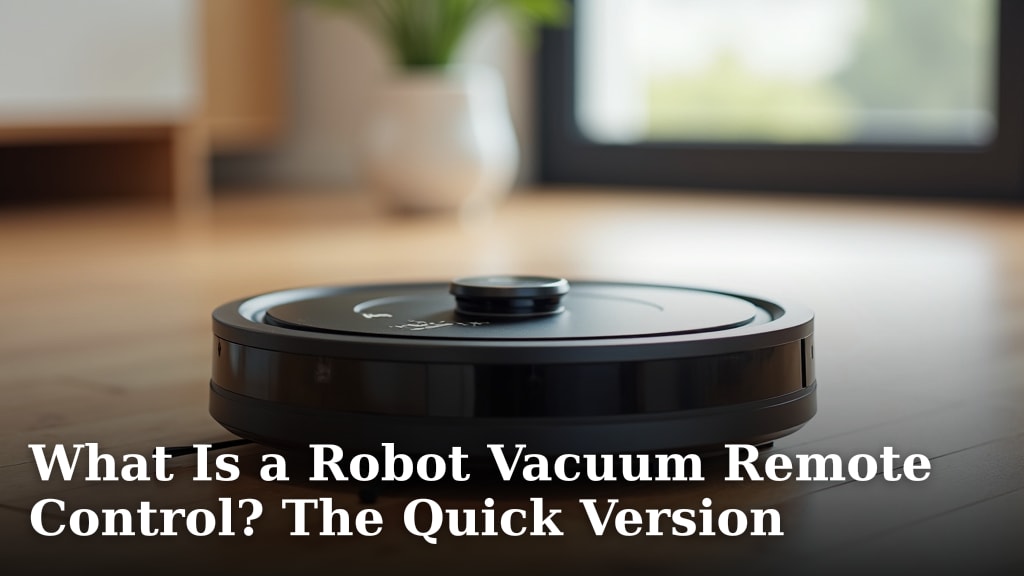
A robot vacuum remote control is a handheld device that lets you manually steer your robot vacuum, select cleaning modes, and set schedules without using an app. It’s a simple way to command your cleaning buddy when your phone isn’t handy or you prefer a physical button. You can also use it to send the vacuum back to its charging dock.
Think of it as a backup command center for your smart cleaner. While many robot vacuums rely on Wi-Fi and smartphone apps, a remote offers a more direct, no-fuss way to manage its cleaning. This is especially helpful if your home Wi-Fi is spotty or you just want to quickly start a spot clean.
- A robot vacuum remote control lets you manually drive your vacuum.
- You can also use it to change cleaning modes.
- It’s a simple way to send the vacuum to its charging station.
- Many remotes allow you to set cleaning schedules.
- It’s a great backup when apps or Wi-Fi aren’t working.
Ready to learn more about how these little helpers work? Let’s take a closer look at what makes a robot vacuum remote so useful for everyday cleaning.
You’ve got your robot vacuum, and it’s doing a pretty good job keeping your floors clean. But sometimes, you just want to tell it what to do without pulling out your phone. That’s where a robot vacuum remote control swoops in.
Your Robot Vacuum’s Handy Remote Assistant
A robot vacuum remote control is essentially a simple handheld device. It allows you to operate your robot vacuum directly. You can steer it, change its cleaning settings, or send it on its way. Think of it as a direct line to your cleaning companion.
What Can You Actually Do With It?
These little remotes are designed for ease of use. They put the core functions of your robot vacuum right at your fingertips. This means you can manage cleaning tasks without needing to connect to Wi-Fi or open a smartphone app.
Manual Steering and Spot Cleaning
One of the most common features is the ability to manually steer your robot vacuum. You’ll find directional buttons, much like a remote-controlled car. This is perfect for those moments when you notice a small mess. You can guide the vacuum directly to the spot for a quick clean-up. It’s surprisingly handy for targeting those specific dusty corners or spilled crumbs.
Selecting Cleaning Modes
Robot vacuums often come with different cleaning modes. These might include things like edge cleaning, spiral cleaning for concentrated messes, or a general auto-clean. Your remote control usually has dedicated buttons for these modes. You can simply press the button for the mode you need. This saves you from having to navigate through app menus.
Returning to the Dock
When your robot vacuum is finished cleaning, or when its battery is low, it needs to return to its charging dock. Remotes almost always have a “Home” or “Dock” button. Pressing this button tells the vacuum to find its base and recharge. It’s a straightforward way to end a cleaning session or ensure your vacuum is ready for next time.
Setting Cleaning Schedules
Some advanced remotes allow you to set cleaning schedules. You can program your robot to start cleaning at specific times on certain days. This is convenient if you want your floors cleaned while you’re at work or out of the house. You set it up once, and the vacuum takes care of the rest.
Why a Remote Might Be Better Than an App (Sometimes)
While smartphone apps offer a lot of features, they aren’t always the most convenient option. Sometimes, your phone might be dead, out of reach, or experiencing connectivity issues. In these situations, the remote control becomes your go-to command center. It’s a physical device that doesn’t rely on your home’s Wi-Fi network to function for basic commands.
When Your Wi-Fi is Acting Up
We’ve all experienced it: the Wi-Fi signal drops, and suddenly your smart devices become… well, not so smart. If your robot vacuum relies solely on its app, a Wi-Fi outage can leave it sitting idle. A remote control bypasses this problem entirely for its core functions. You can still get your vacuum to clean, even if the internet is down.
For Quick, No-Fuss Commands
Sometimes, you just need to tell your vacuum to start cleaning *right now*. Fumbling for your phone, unlocking it, opening the app, and then finding the right button can take longer than you expect. With a remote, you can grab it from its usual spot and press the button. It’s a speedy alternative for immediate cleaning needs.
Helping Less Tech-Savvy Household Members
Not everyone in your household might be comfortable with smartphone apps. Older relatives, children, or guests might find a simple remote much easier to understand and use. This allows more people to operate the robot vacuum without needing technical assistance. It makes the cleaning device accessible to everyone.
Understanding the Different Types of Robot Vacuum Remotes
Not all robot vacuum remotes are created equal. They vary in their design and the features they offer. Generally, you’ll find them to be quite intuitive, but knowing the differences can help you appreciate what yours can do.
Basic vs. Advanced Remotes
The simplest remotes might only have directional buttons and a “Clean” or “Dock” button. These are common with entry-level robot vacuums. More advanced remotes can offer a wider array of options. They might include buttons for various cleaning modes, scheduling capabilities, and even adjustable suction power.
What to Expect on Your Remote
Let’s break down the common buttons and indicators you might see:
- Power/Clean Button: Starts or stops a cleaning cycle.
- Directional Pad: For manual steering.
- Spot Clean Button: Directs the vacuum to clean a small, concentrated area.
- Dock/Home Button: Sends the vacuum back to its charging station.
- Mode Buttons: Selects different cleaning patterns (e.g., Edge, Spiral, Auto).
- Scheduling Buttons: For setting cleaning times (on more advanced remotes).
- LED Indicators: Lights that show battery status, charging status, or current mode.
Remote Functionality and Your Vacuum’s Capabilities
It’s important to remember that the remote can only access the functions your robot vacuum is built with. If your vacuum doesn’t have an edge cleaning mode, the remote won’t magically create one. The remote acts as an interface, translating your button presses into commands the vacuum understands. Always check your vacuum’s manual to see which specific features your remote can control.
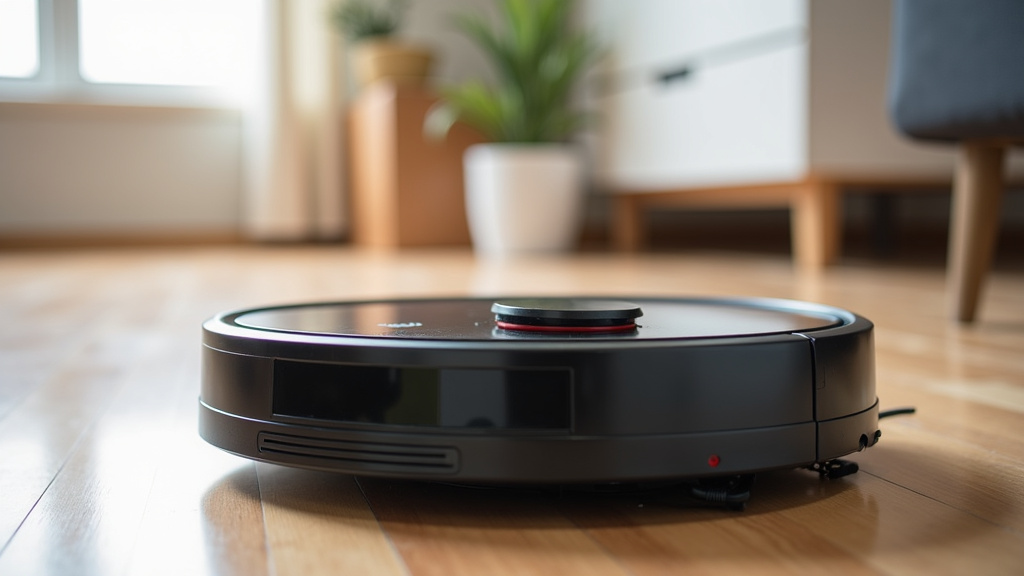
Setting Up and Using Your Robot Vacuum Remote
Getting your remote control ready to go is usually a straightforward process. Most remotes come pre-paired with the vacuum. If not, the process is simple. We found that many manufacturers include clear instructions for pairing.
Initial Setup and Pairing
For most models, the remote works right out of the box. You just need to install the batteries. If your remote doesn’t seem to be working, you may need to pair it with your robot vacuum. This often involves pressing and holding a specific button combination on both the remote and the vacuum itself. For example, some require you to press the “Clean” and “Dock” buttons simultaneously on the remote while the vacuum is on.
Always refer to your robot vacuum’s user manual for the exact pairing procedure. Incorrect pairing can prevent the remote from communicating with the vacuum.
Best Practices for Remote Storage and Maintenance
To ensure your remote is always ready when you need it, consider a few best practices:
- Designated Spot: Keep the remote in a consistent place, like a small drawer or a hook near where you store the vacuum. This prevents it from getting lost.
- Battery Care: Use good quality batteries and replace them when indicated. A weak battery can cause erratic behavior or a complete loss of function.
- Keep it Clean: Wipe down the remote occasionally with a dry or slightly damp cloth to keep it free of dust and debris.
- Protect from Drops: While they are built to last, try to avoid dropping the remote, as the internal electronics can be sensitive.
When to Use the Remote Over the App
You might find yourself reaching for the remote in several scenarios:
- You want to start a quick spot clean without your phone.
- Your home Wi-Fi is down or unstable.
- A guest wants to start the vacuum without needing your app login.
- Your phone’s battery is critically low.
- You prefer the tactile feel of physical buttons.
- You need to send the vacuum back to its dock from across the room.
Having a remote control offers a practical backup to app-based control. It ensures you can always interact with your robot vacuum, regardless of your phone’s status or your home’s internet connection. It’s a simple yet effective tool for everyday use.
Conclusion
Your robot vacuum remote control is more than just a backup; it’s your direct line to a cleaner home. It offers simple, immediate control over your vacuum’s core functions, bypassing potential app or Wi-Fi issues. Whether you’re steering it for a quick spot clean, switching modes, or sending it home, the remote puts convenience back in your hands. Don’t let a dead phone or a glitchy network stop your cleaning routine. Keep your remote handy for effortless operation anytime you need it.
Frequently Asked Questions
Do all robot vacuums come with a remote control?
No, not all robot vacuums include a remote control. Many newer models rely solely on smartphone app control for all functions. It’s always best to check the product specifications to see if a remote is included or available for purchase.
Can I use a remote control if my robot vacuum has an app?
Yes, you absolutely can. Many robot vacuums that have app control also come with a remote. The remote serves as a convenient alternative for basic commands when you don’t want to use your phone or if the app isn’t functioning correctly.
What happens if I lose my robot vacuum remote?
If you lose your remote, you might be able to order a replacement from the vacuum manufacturer. Some universal remotes might also work, but compatibility can vary. For basic functions, you can often still use your vacuum’s app or sometimes even buttons directly on the vacuum unit itself.
Is a robot vacuum remote difficult to set up?
Generally, robot vacuum remotes are very easy to set up. Most come pre-paired with the vacuum. If pairing is needed, it usually involves simple steps like installing batteries and pressing a few buttons on both the remote and the vacuum, as outlined in your user manual.
Can the remote control advanced features like mapping?
Typically, robot vacuum remotes are designed for basic functions like manual steering, starting/stopping cleaning, selecting modes, and returning to the dock. Advanced features such as custom room mapping or setting no-go zones are usually exclusive to the smartphone app.